Get the moneybd247 App — Cricket Odds, Live Casino & bKash Payments in One Place
Install free on any Android phone running 6.0 or above. The moneybd247 App loads fast on 3G, keeps you updated when a cricket market moves, and lets you deposit or withdraw via bKash in under a minute.
- SSL Encrypted
- Android 6.0+
- 24/7 Support
- bKash · Nagad
- 18+ Only
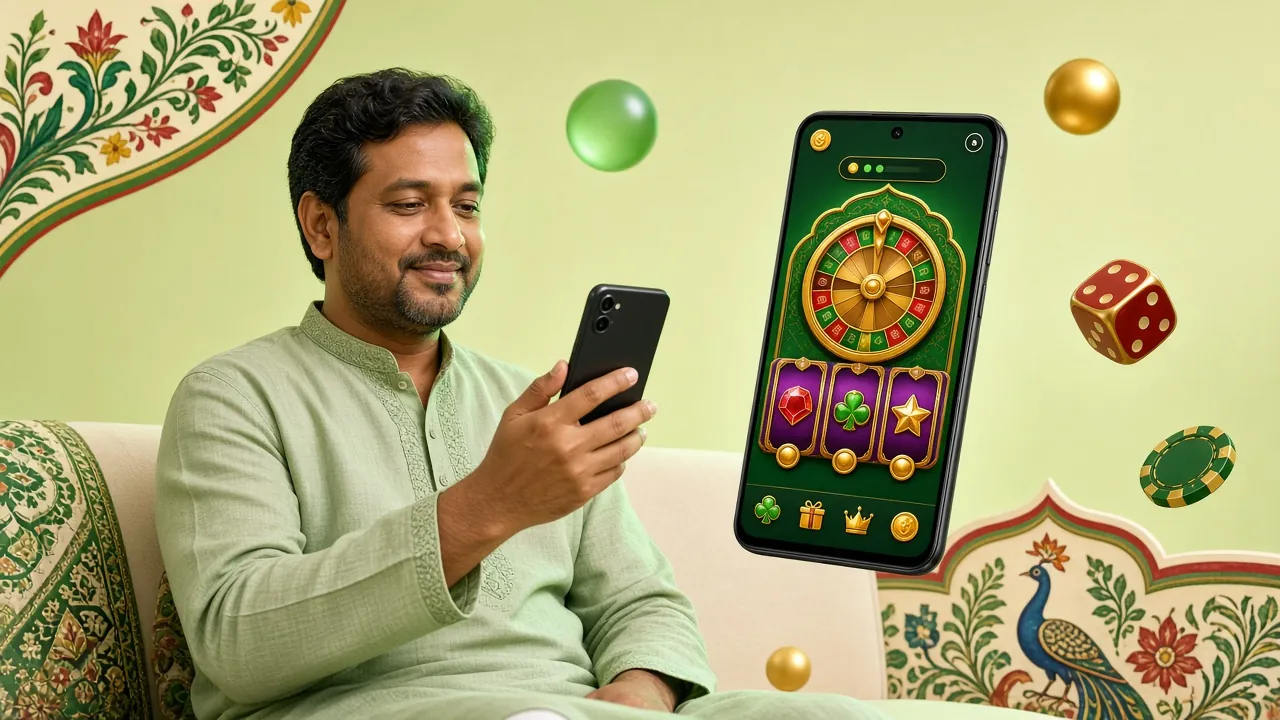
Download the App — File Details & iOS Option
Android APK — Verified File
| Version | 3.9.0 |
| File Size | 28 MB |
| Min Android | Android 6.0 |
| Updated | 16 November 2026 |
| Price | Free |
| Languages | English / Bangla |
moneybd247.apk · 28 MB · Free
iPhone / iPad Users
No App Store listing yet. Add the moneybd247 website to your iPhone home screen for a near-app experience — full screen, no browser bar.
-
Open Safari
Visit moneybd247.net in Safari — this method only works from Safari, not Chrome.
-
Tap the Share button
Tap the box-with-arrow icon at the bottom of the screen to open the Share sheet.
-
Add to Home Screen
Scroll down in the Share sheet and tap "Add to Home Screen". Give it a name and tap Add.
-
Open like an app
Tap the new icon on your home screen. The site opens full-screen without the Safari toolbar.
Games Available Inside the moneybd247 App


The app gives you access to all 3,000 games — slots, live dealer tables, cricket markets and crash games — with the same account you use on the website. Browse the full casino lobby.
Install the moneybd247 APK on Android — Step by Step
Android phones block APK files from outside the Play Store by default. You need to allow installations from unknown sources once — it takes about thirty seconds. These steps work on Android 6.0 and all newer versions.
-
Allow Unknown Sources in Settings
Open Settings → Security (on some phones it is Settings → Apps → Special App Access → Install Unknown Apps). Find your browser or file manager and turn on Allow from this source. You only need to do this once.
-
Download the APK File
Tap the Download APK button at the top of this page. Your browser will download moneybd247.apk (28 MB). Wait for the download to finish — on a standard mobile data connection this takes under two minutes.
-
Open and Run the Installer
Pull down your notification bar and tap the downloaded file, or find it in your Downloads folder and tap it. Android will show an install screen listing the permissions the app needs. Tap Install and wait a few seconds.
-
Open the App and Log In
Tap Open after installation finishes. If you already have an account, enter your phone number and password on the login screen. New players should tap Register to create an account — it takes about two minutes.
-
Turn Unknown Sources Back Off (Recommended)
Go back to Settings → Security and disable Install Unknown Apps for your browser. This keeps your phone secure after the installation is complete. The moneybd247 App stays installed and works normally.
Stuck at "App not installed"? This usually means your phone storage is below 100 MB free, or you have an older version of the app that is conflicting. Delete the old version first, free up some storage, then reinstall. See the FAQ below for more troubleshooting steps.
What You Get When You Play Through the App
The moneybd247 App is not just a reskin of the website. These features are designed for how people in Bangladesh actually bet — on a phone, often on mobile data, following a cricket match in real time.
-
One-Tap Login with PIN or Fingerprint
After your first login, you can set a 4-digit PIN or use your fingerprint sensor. No need to type your password every time you open the app.
-
Deposit and Withdraw via bKash, Nagad or Rocket
The payment screen is built into the app. Deposits arrive in about 1 minute; withdrawals process in around 7 minutes. Minimum transaction is ৳500 for both deposit and withdrawal.
-
Live Cricket Markets with Score Updates
Odds refresh ball by ball during T20, ODI and BPL matches. The app shows the current score alongside the betting market so you do not need to switch between apps.
-
Live Casino Without Buffering
Ezugi and Pragmatic Play live tables are optimised for mobile. The video stream auto-adjusts to your connection speed, so it still runs smoothly on a 3G signal.
-
Push Notifications for Cricket Markets
Switch on notifications in the app settings and you will get an alert when a new cricket market opens, when a match is about to start, or when a promotion is live.
-
24/7 Live Chat Built In
Tap the support icon from any screen. The chat connects you to a live agent at any hour. You can also check your transaction history and bet history directly in the app.
- Total Games
- 3,000+
- APK Size
- 28 MB
- Min Deposit
- ৳500
- Withdrawal
- ~7 min
App or Browser — Which Should You Use on Match Day?
Both options use the same account and the same odds. The difference comes down to speed, notifications and how much data each one uses. Here is a direct comparison to help you decide.
| Feature | moneybd247 App | Browser / Website |
|---|---|---|
| Load Speed | Faster — assets cached locally | Downloads page each visit |
| Push Notifications | Cricket alerts, promotions | Not available |
| Mobile Data Usage | Lower — UI files already installed | Higher on first load |
| Installation Required | Yes — one-time, 28 MB | None — open and play |
| iPhone / iPad | Add to Home Screen workaround | Works in any browser |
| Auto-Update | Prompted inside the app | Always latest version |
| Biometric Login | PIN & fingerprint | Password only |
| Best For | Daily players, cricket fans | Occasional use, desktop |
You can also read the full moneybd247 App vs Website guide if you want a longer breakdown of when each option makes sense.
Using the App on a Budget Phone or a Slow Connection
The moneybd247 App is designed to run on entry-level Android phones and 3G networks. Here are specific settings to help if your phone has less than 2 GB of RAM or you are on a limited data plan.
Low-Memory Android Phones
Close other apps before launching the moneybd247 App. On phones with 1–2 GB RAM, keeping fewer apps in the background noticeably improves loading speed for live casino streams.
2G / 3G Network Mode
Switch to slots or sports betting when signal is weak — these use less data than live video streams. The app detects slow connections and reduces video quality automatically for live tables.
Reduce Data Usage
Go to App Settings → Data Saver inside the moneybd247 App to load lower-resolution game thumbnails and reduce background syncing. Good for prepaid SIM users watching data allowances.
Extend Battery Life
Turn off notifications when you are not actively betting to stop the app waking up your screen. Live casino streams use more battery than slots — switch off if your charge drops below 20%.
Free Up Storage First
The APK itself is 28 MB, but the app needs around 60 MB free to install and cache game data. Delete unused apps or move photos to free up space before installing.
Keeping the App Updated
Update prompts appear inside the app when a new version is available. Updates are usually under 15 MB. Install them on Wi-Fi to avoid using your mobile data allowance.
Permissions the moneybd247 App Requests — and Why
When you install the APK, Android asks you to review a list of permissions before the app can run. Here is what each permission does and how to disable any you do not want.
-
Internet Access
Required for the app to connect to game servers, load cricket markets and process bKash payments. Cannot be disabled — without it the app cannot function.
-
Push Notifications
Used to send cricket market alerts and promotion notices. You can turn this off any time inside the app under Settings → Notifications or in your phone's app settings.
-
Camera (Optional)
Only used if you need to upload a photo for account verification before your first withdrawal. You can deny this permission and upload documents from your photo library instead.
-
Biometrics / Fingerprint
Powers the one-tap PIN and fingerprint login. If you do not want to use biometrics, you can skip this during setup and always use your password to log in.
-
Local Storage Read/Write
Used to save your login preferences and cache game assets so pages load faster on your next visit. No personal data is stored on your device beyond session preferences.
Questions About the moneybd247 App — Answered
Is the moneybd247 APK safe to install?
Yes, as long as you download it from this page at moneybd247.net. The APK file is scanned for malware before each release and served over an encrypted HTTPS connection. It requests only the permissions listed above — no access to your contacts, SMS messages or call history. Never install a moneybd247 APK from a Telegram group or a third-party site, as those files may have been tampered with.
Why does the app say "Installation blocked" or "App not installed"?
There are three common causes. First, you may not have enabled Install Unknown Apps for your browser — go back to Step 1 in the installation guide above. Second, your phone storage might be too low; you need at least 60 MB free. Third, an older version of the app may be conflicting. Uninstall the existing version from Settings → Apps and try installing again from the fresh download.
How do I update the moneybd247 App when a new version is released?
When version 3.9.0 is superseded, the app will show an update prompt on the home screen the next time you open it. Tap Update Now and you will be taken to this page to download the latest APK. Install it over your existing version — your account data and settings are preserved. You do not need to uninstall first unless the prompt specifically asks you to.
Can I use the same account on both the app and the website?
Yes. Your moneybd247 account works across the app and the browser version simultaneously. Your wallet balance, bet history, bonus progress and VIP level are all synced in real time. You can start a session on your phone's browser during your commute and continue in the app when you get home — or vice versa. There is no separate registration needed for the app.
Does the moneybd247 App work on iPhone?
There is no iOS App Store version at the moment. iPhone and iPad users can add the moneybd247 website to their home screen using the Safari "Add to Home Screen" option described in the Download section above. This gives you a full-screen, app-like experience without the App Store. All features — including bKash deposits, live casino and cricket betting — work through this method on iOS Safari.
What is the minimum Android version needed to run the app?
The moneybd247 App requires Android 6.0 (Marshmallow) or above. This covers most smartphones sold in Bangladesh since 2016. If your phone runs Android 5.x or older, the APK will refuse to install. In that case, use the moneybd247 website in your phone browser — Chrome on Android 5.x still supports the site fully, including live casino and sports betting without any app download required.
Download Free, Play Today
The moneybd247 App is 28 MB, installs in under a minute and works on any Android 6.0 phone. If you do not have an account yet, registration takes about two minutes.
18+ · Play Responsibly · Bangladesh players only